
ZenGrove
Grow a plant, one node at a time.
Grow a plant, one node at a time.
Explore all 45 ZenGrove nodes for Maya with illustrated settings. Shape Cross Section profiles, create multi-way Splits, find properties and build procedural plants.
UV Mapping
Controls how bark textures wrap around branch tubes, including repeats, seams and end-cap UVs.
Branches
Branches
Affect
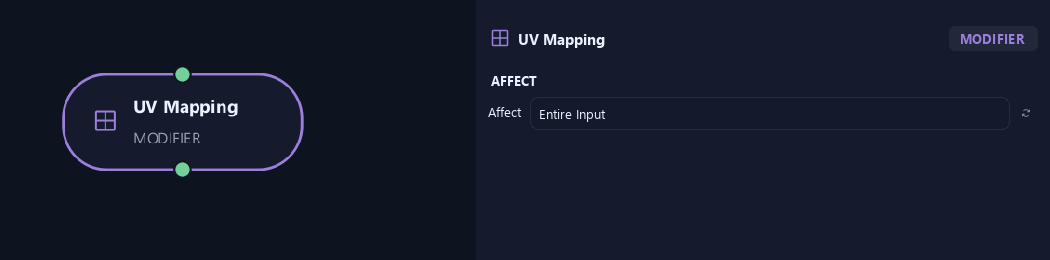
- Affect
Chooses which branches are affected. Active Branches uses the latest generated layer. Active + Descendants also includes growth from that layer. Active Generated Hierarchy additionally includes ancestors created by that same generated contribution. Entire Input uses everything arriving here. Attached children follow a moved parent even when they are not reshaped themselves.
Orientation
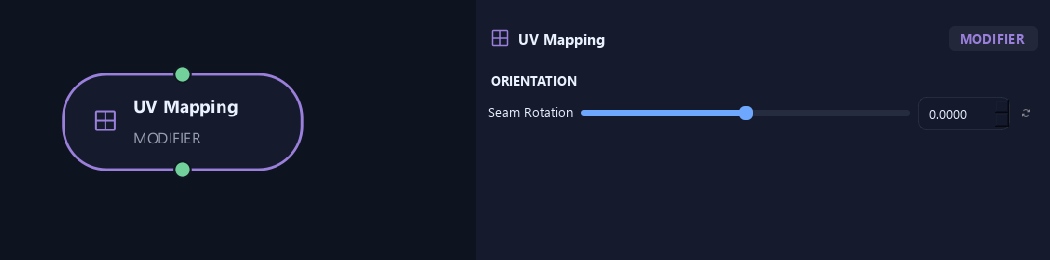
- Seam Rotation
Moves the texture seam around the tube without twisting geometry.
Uv & Textures
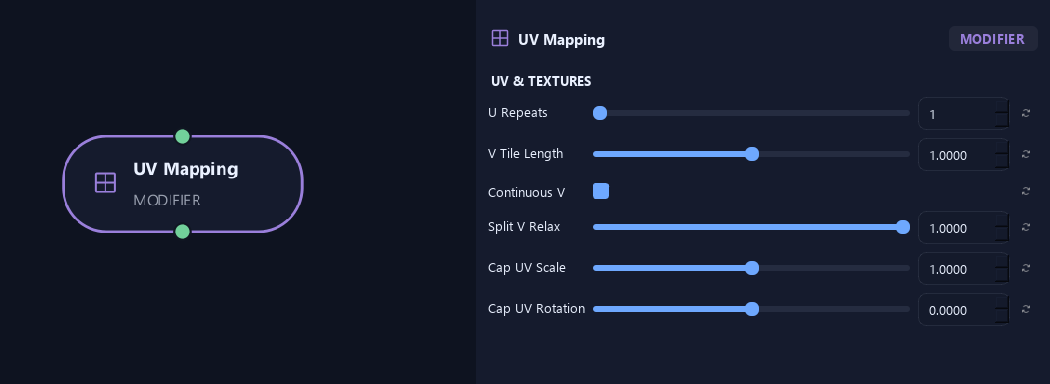
- U Repeats
Sets texture repeats around the branch circumference.
- V Tile Length
Sets branch length covered by one texture repeat. Larger values stretch each repeat farther.
- Continuous V
Continues the lengthwise texture coordinate from parent to children.
- Split V Relax
Smooths lengthwise texture stretching inside forks while keeping attachment borders fixed.
- Cap UV Scale
Scales end-cap UV islands.
- Cap UV Rotation
Rotates end-cap textures.
What is ZenGrove used for?
Explore all 45 ZenGrove nodes for Maya with illustrated settings. Shape Cross Section profiles, create multi-way Splits, find properties and build procedural plants.
Which host application does ZenGrove support?
ZenGrove is built for Autodesk Maya and is distributed through AO Studio Tools.
Where can I download ZenGrove?
Download the current AO Studio Tools package from https://aostudio.tools/getthetools.html and install it through AO.Hub.