
ZenGrove
Grow a plant, one node at a time.
Grow a plant, one node at a time.
Explore all 45 ZenGrove nodes for Maya with illustrated settings. Shape Cross Section profiles, create multi-way Splits, find properties and build procedural plants.
Tree Materials
Sets bark, cut-end and foliage materials, plus transparency and normal-map choices for delivery.
No input required
Materials
Setup
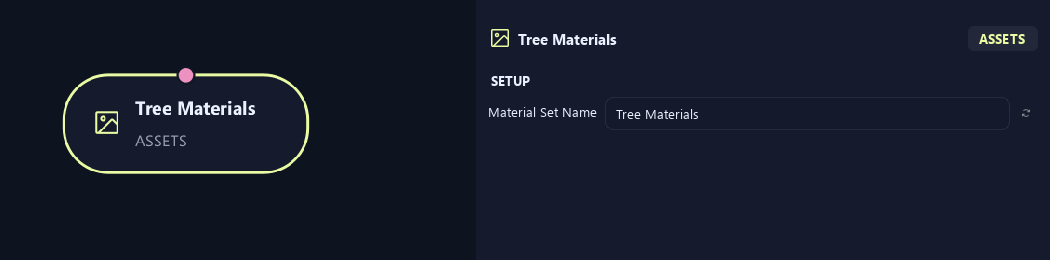
- Material Set Name
Gives this tree, collection or output a recognizable name.
Materials
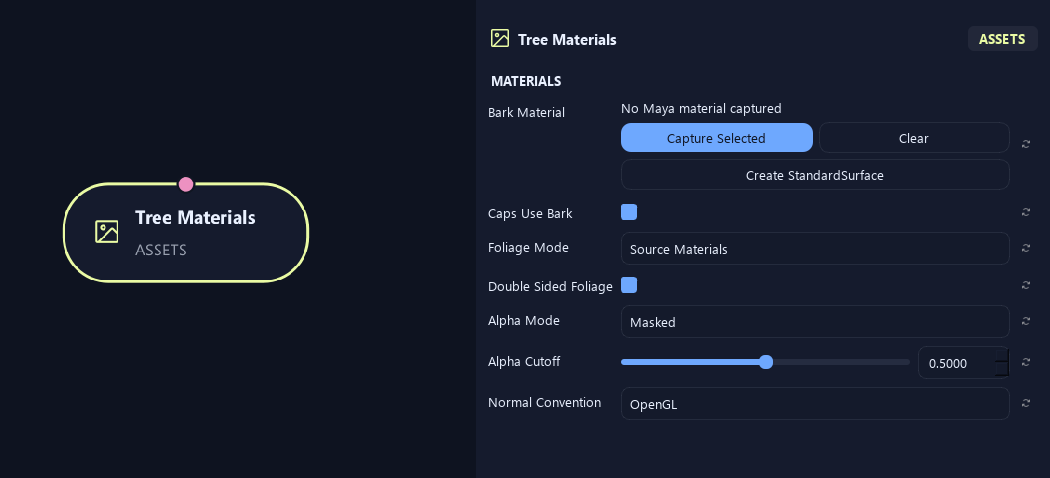
- Bark Material
Assigns bark material. Capture Selected uses your material; Create StandardSurface makes one; Clear removes the assignment.
- Caps Use Bark
Uses bark material on end caps. Turn it off for a separate cut-end material.
- Foliage Mode
Source Materials keeps asset materials. Material Override uses one chosen material. Atlas uses the atlas workflow.
- Double Sided Foliage
Marks foliage as visible from both sides for material/export setup. Match this in the destination shader.
- Alpha Mode
Opaque is solid. Masked cuts away pixels below a threshold. Blend uses gradual transparency.
- Alpha Cutoff
Sets the opacity threshold for Masked mode. Higher values remove more partly transparent edges.
Available when Alpha Mode is Masked.
- Normal Convention
Chooses OpenGL or DirectX normal-map convention. Match the destination shader.
Materials (1)
Shown example: Caps Use Bark = Off.
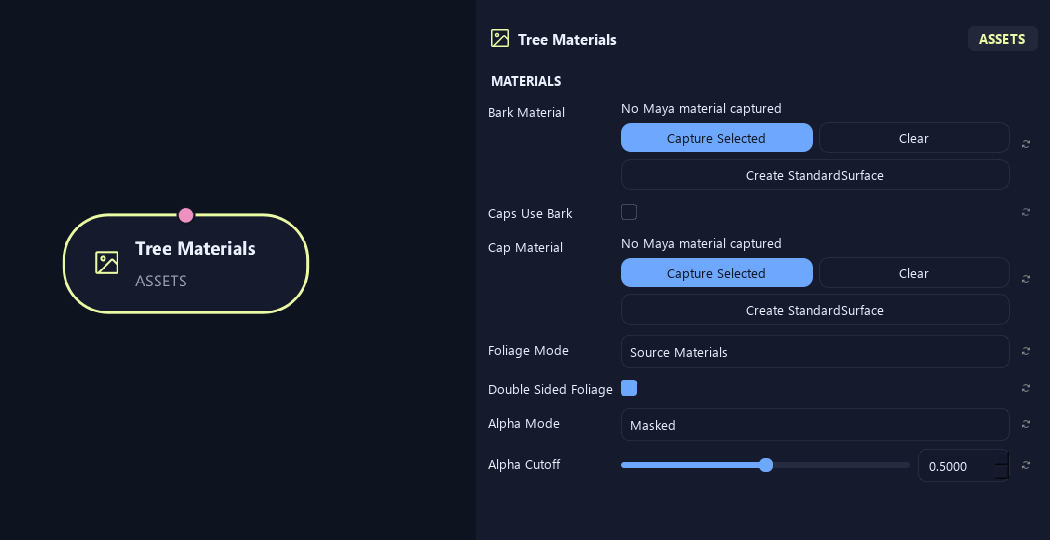
- Bark Material
Assigns bark material. Capture Selected uses your material; Create StandardSurface makes one; Clear removes the assignment.
- Caps Use Bark
Uses bark material on end caps. Turn it off for a separate cut-end material.
- Cap Material
Assigns a separate end-cap material, such as exposed wood.
Available when Caps Use Bark is Off.
- Foliage Mode
Source Materials keeps asset materials. Material Override uses one chosen material. Atlas uses the atlas workflow.
- Double Sided Foliage
Marks foliage as visible from both sides for material/export setup. Match this in the destination shader.
- Alpha Mode
Opaque is solid. Masked cuts away pixels below a threshold. Blend uses gradual transparency.
- Alpha Cutoff
Sets the opacity threshold for Masked mode. Higher values remove more partly transparent edges.
Available when Alpha Mode is Masked.
Materials (2)
Shown example: Caps Use Bark = Off.
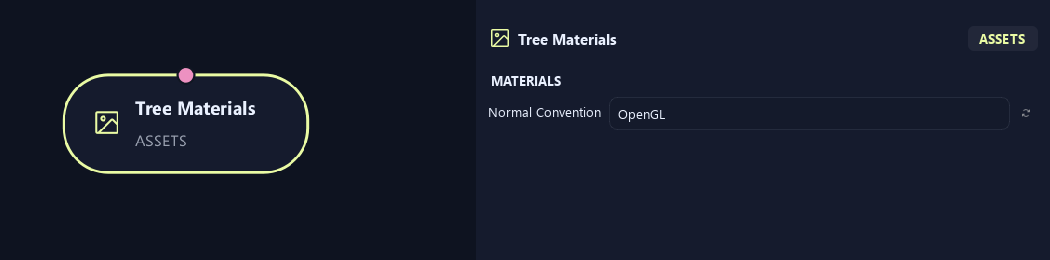
- Normal Convention
Chooses OpenGL or DirectX normal-map convention. Match the destination shader.
Materials (1)
Shown example: Foliage Mode = Material Override.
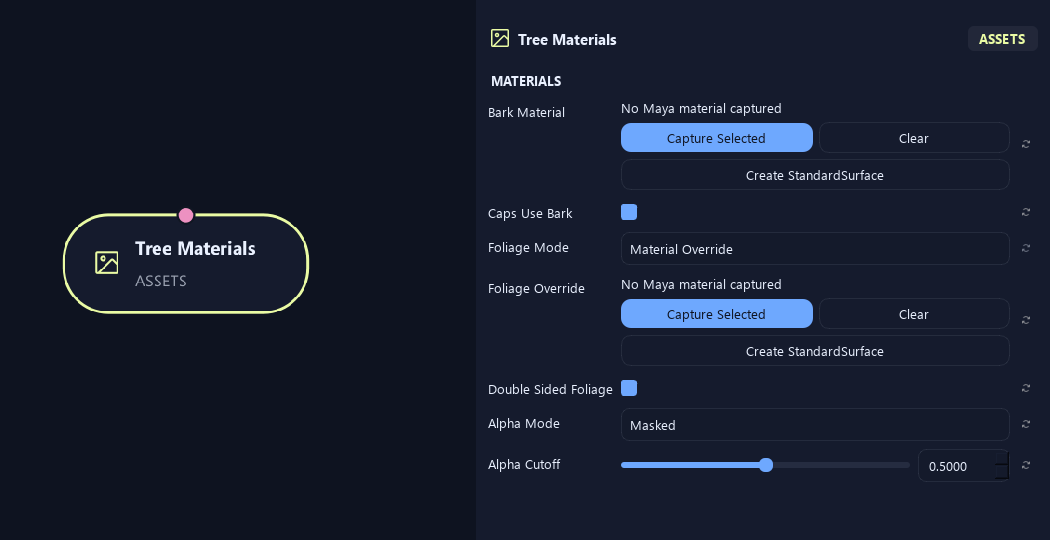
- Bark Material
Assigns bark material. Capture Selected uses your material; Create StandardSurface makes one; Clear removes the assignment.
- Caps Use Bark
Uses bark material on end caps. Turn it off for a separate cut-end material.
- Foliage Mode
Source Materials keeps asset materials. Material Override uses one chosen material. Atlas uses the atlas workflow.
- Foliage Override
Chooses the foliage material in Material Override mode.
Available when Foliage Mode is Material Override.
- Double Sided Foliage
Marks foliage as visible from both sides for material/export setup. Match this in the destination shader.
- Alpha Mode
Opaque is solid. Masked cuts away pixels below a threshold. Blend uses gradual transparency.
- Alpha Cutoff
Sets the opacity threshold for Masked mode. Higher values remove more partly transparent edges.
Available when Alpha Mode is Masked.
Materials (2)
Shown example: Foliage Mode = Material Override.
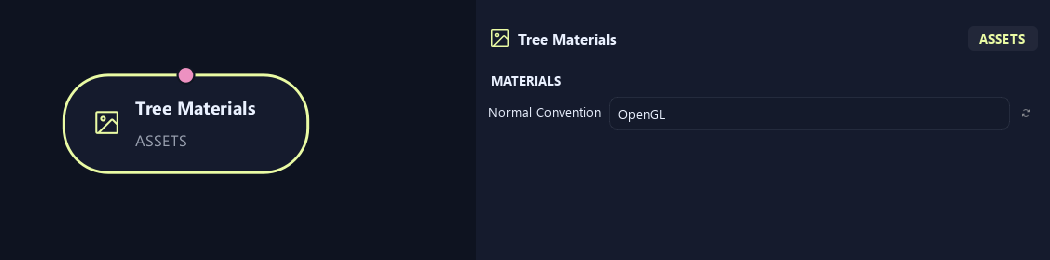
- Normal Convention
Chooses OpenGL or DirectX normal-map convention. Match the destination shader.
What is ZenGrove used for?
Explore all 45 ZenGrove nodes for Maya with illustrated settings. Shape Cross Section profiles, create multi-way Splits, find properties and build procedural plants.
Which host application does ZenGrove support?
ZenGrove is built for Autodesk Maya and is distributed through AO Studio Tools.
Where can I download ZenGrove?
Download the current AO Studio Tools package from https://aostudio.tools/getthetools.html and install it through AO.Hub.