
ZenGrove
Grow a plant, one node at a time.
Grow a plant, one node at a time.
Explore all 45 ZenGrove nodes for Maya with illustrated settings. Shape Cross Section profiles, create multi-way Splits, find properties and build procedural plants.
Texture Atlas
Combines asset textures into shared sheets. Connect it to Game Output to remap foliage UVs for export.
Assets
Assets · Atlas
Setup
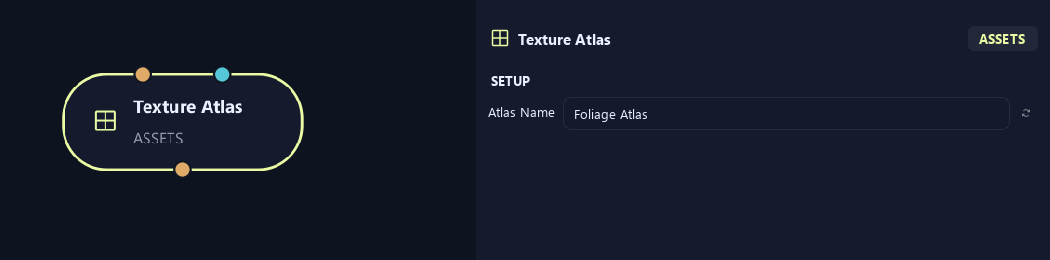
- Atlas Name
Gives this tree, collection or output a recognizable name.
Uv & Textures (1)
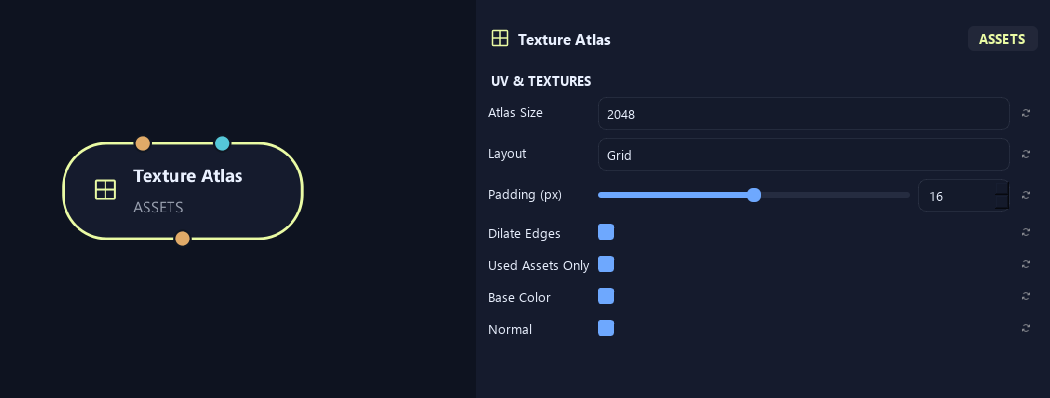
- Atlas Size
Sets atlas width and height in pixels. Larger sheets keep more detail and use more memory.
- Layout
Grid uses regular cells. Packed fits textures into a more compact arrangement.
- Padding (px)
Leaves pixels between texture regions to reduce color bleeding.
- Dilate Edges
Extends colors into padded borders to reduce visible edge seams.
- Used Assets Only
Includes only assets used in the connected result.
- Base Color
Includes surface color textures in the atlas.
- Normal
Includes normal maps for small surface detail.
Uv & Textures (2)
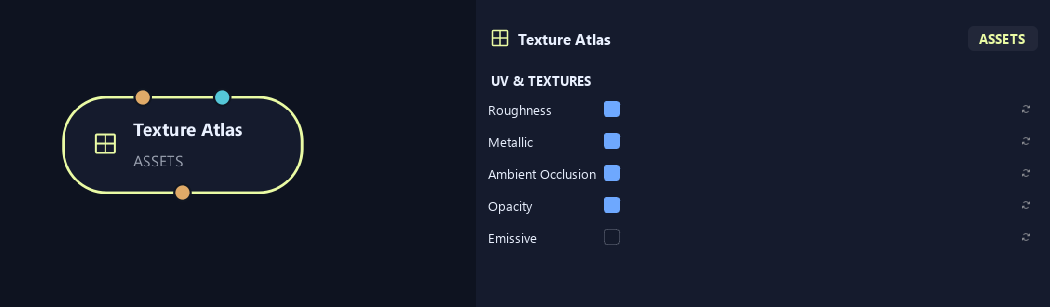
- Roughness
Includes roughness maps for reflection sharpness.
- Metallic
Includes maps distinguishing metallic and non-metallic surfaces.
- Ambient Occlusion
Includes maps of small shaded creases and contact areas.
- Opacity
Includes opacity maps for cutout shapes such as leaf edges.
- Emissive
Includes textures for glowing parts of the asset.
What is ZenGrove used for?
Explore all 45 ZenGrove nodes for Maya with illustrated settings. Shape Cross Section profiles, create multi-way Splits, find properties and build procedural plants.
Which host application does ZenGrove support?
ZenGrove is built for Autodesk Maya and is distributed through AO Studio Tools.
Where can I download ZenGrove?
Download the current AO Studio Tools package from https://aostudio.tools/getthetools.html and install it through AO.Hub.