
ZenGrove
Grow a plant, one node at a time.
Grow a plant, one node at a time.
Explore all 45 ZenGrove nodes for Maya with illustrated settings. Shape Cross Section profiles, create multi-way Splits, find properties and build procedural plants.
Split
Divides an active growth path into two or more continuations. Use a welded two-way fork or a main continuation with side shoots, then shape the opening, direction and transition.
Branches
Branches
Branching Into = 2 creates the existing welded fork. At 3 or more, one main continuation stays welded to the lower branch and side shoots start with overlapping open bases. The complete multi-way junction is not a watertight welded mesh.
Probability applies to the whole split on each active branch. Use Fork Angle and Plane Rotation for direction, then Transition Length, Junction Length Scale and Bend Smoothness for the side-shoot transition. The two-way junction controls and Length Bias disappear in multi-way mode.
Stack splits to continue from the active tips: three continuations followed by four can produce twelve active tips when every split succeeds. Cross Section keeps its orientation through the welded main continuation; use Affect to select upper continuations or the entire structure.
Setup
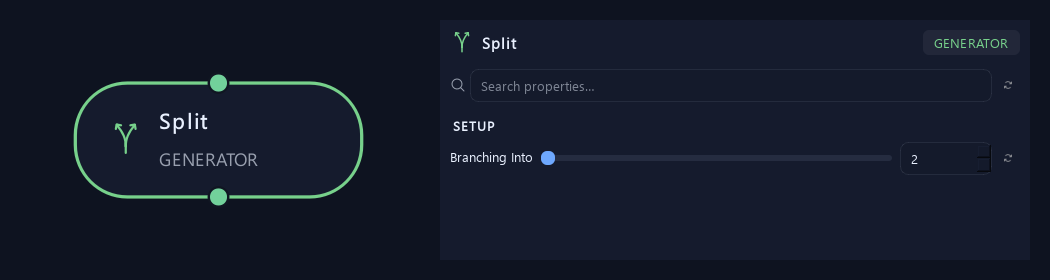
- Branching Into
Sets the total continuations at each successful split. Two creates a welded two-way fork. Three or more keeps a main continuation and adds evenly distributed side shoots with overlapping open bases. The slider reaches 16; larger values can be typed.
Generation
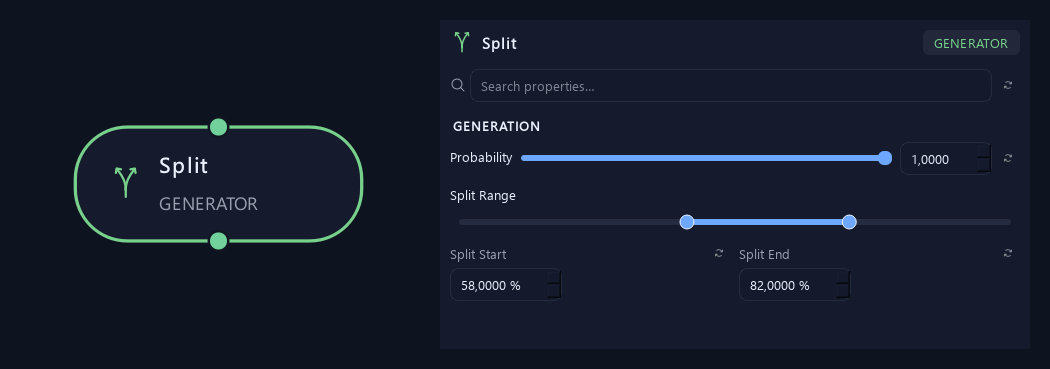
- Probability
Sets the share of eligible paths that receive a fork. One splits all; zero adds none.
- Split Range — Split Start %
Sets the earliest fork position. Zero is the parent base and one is its tip.
- Split Range — Split End %
Sets the latest fork position. Together with Split Start, this defines the allowed Split Range.
Orientation
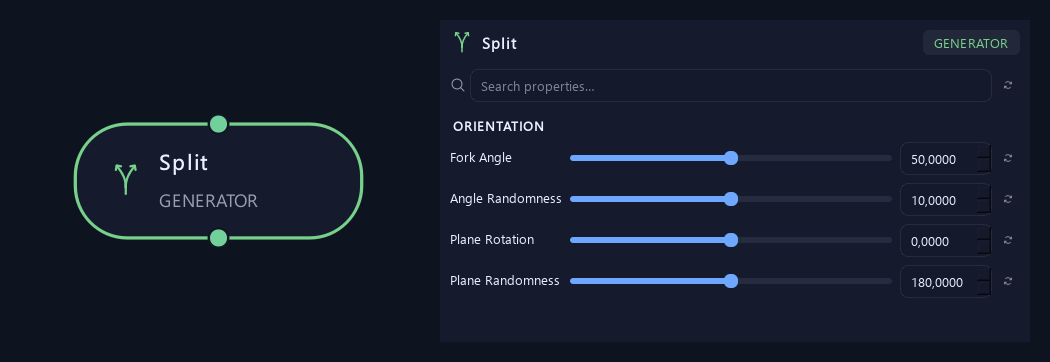
- Fork Angle
With two continuations, sets the total opening between both sides. With three or more, sets the side-shoot angle relative to the main continuation.
- Angle Randomness
Varies the angle between branches or leaves. Zero keeps it consistent.
- Plane Rotation
Rotates the fork plane around the incoming branch direction.
- Plane Randomness
Varies the fork plane between branches.
Shape
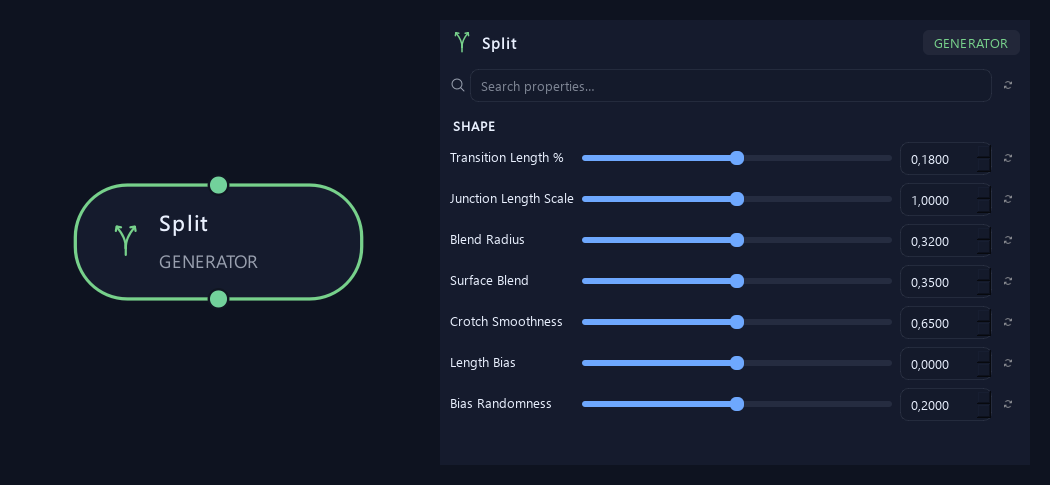
Shown example: Branching Into = 2.
- Transition Length %
Sets the fraction of remaining branch length used to ease into the fork angle. Higher values make the turn more gradual.
- Junction Length Scale
Scales the fork transition. For two continuations it controls separation around the junction; for three or more it also scales the easing distance into the side-shoot direction.
- Blend Radius
Controls how rounded the inner fork ridge becomes relative to parent thickness.
Available when Branching Into is 2.
- Surface Blend
Helps the fork surface meet the incoming branch and both outgoing sides, including on a bent input.
Available when Branching Into is 2.
- Crotch Smoothness
Rounds the inner saddle between fork sides.
Available when Branching Into is 2.
- Length Bias
Makes one fork side longer. Zero keeps them equal; negative favors side A and positive favors side B.
Available when Branching Into is 2.
- Bias Randomness
Varies the length balance between fork sides.
Available when Branching Into is 2.
Geometry
Shown example: Branching Into = 2.
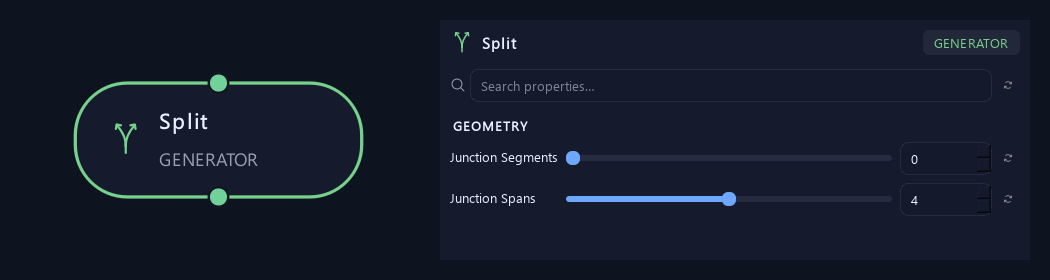
- Junction Segments
Sets the number of sides around the fork. Zero inherits branch resolution.
Available when Branching Into is 2.
- Junction Spans
Adds rings along the fork transition for more detail.
Available when Branching Into is 2.
Advanced
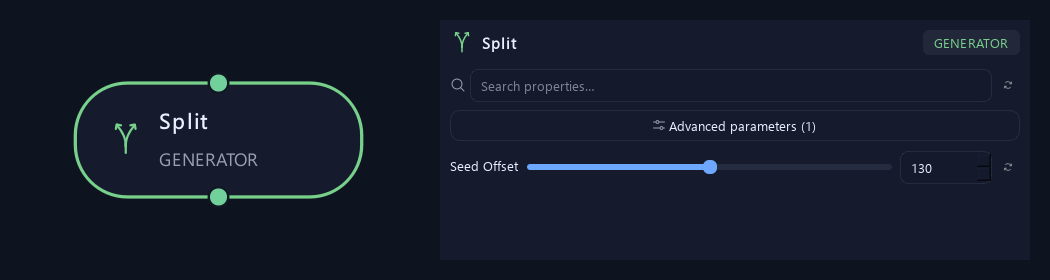
- Seed Offset
Changes this node's random variation. Keep the seed and settings unchanged to reproduce the same result.
Shape with multiple continuations
Shown example: Branching Into = 3.
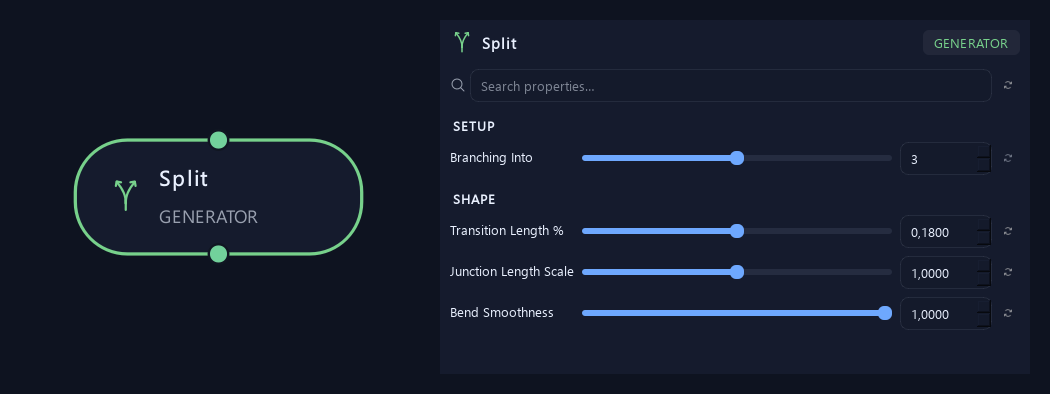
- Branching Into
Sets the total continuations at each successful split. Two creates a welded two-way fork. Three or more keeps a main continuation and adds evenly distributed side shoots with overlapping open bases. The slider reaches 16; larger values can be typed.
- Transition Length %
Sets the fraction of remaining branch length used to ease into the fork angle. Higher values make the turn more gradual.
- Junction Length Scale
Scales the fork transition. For two continuations it controls separation around the junction; for three or more it also scales the easing distance into the side-shoot direction.
- Bend Smoothness
Eases side shoots into their new directions when Branching Into is greater than two. Transition Length and Junction Length Scale also control how far the bend extends.
Available when Branching Into is greater than 2.
What is ZenGrove used for?
Explore all 45 ZenGrove nodes for Maya with illustrated settings. Shape Cross Section profiles, create multi-way Splits, find properties and build procedural plants.
Which host application does ZenGrove support?
ZenGrove is built for Autodesk Maya and is distributed through AO Studio Tools.
Where can I download ZenGrove?
Download the current AO Studio Tools package from https://aostudio.tools/getthetools.html and install it through AO.Hub.