
ZenGrove
Grow a plant, one node at a time.
Grow a plant, one node at a time.
Explore all 45 ZenGrove nodes for Maya with illustrated settings. Shape Cross Section profiles, create multi-way Splits, find properties and build procedural plants.
Spline Growth
Grows tube branches along captured curves. Use it to draw a trunk, vine or branch by hand while keeping the rest of the plant procedural.
Curves
Branches
Setup
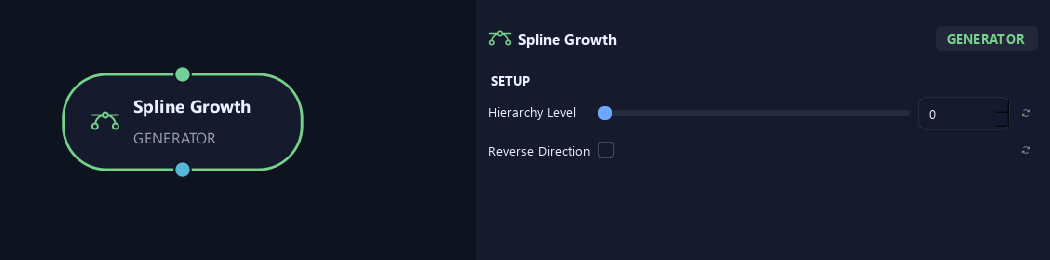
- Hierarchy Level
Sets the guided branches' starting hierarchy level. Zero is the trunk level; higher values represent later branch layers.
- Reverse Direction
Reverses the guide so its opposite end becomes the base.
Shape
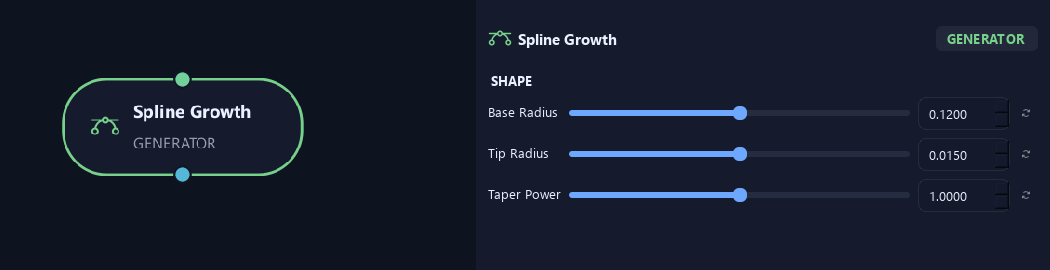
- Base Radius
Sets the radius at the guide's start.
- Tip Radius
Sets the radius at the guide's end.
- Taper Power
Changes how quickly the guide narrows between its base and tip radius. One gives an even transition.
Geometry
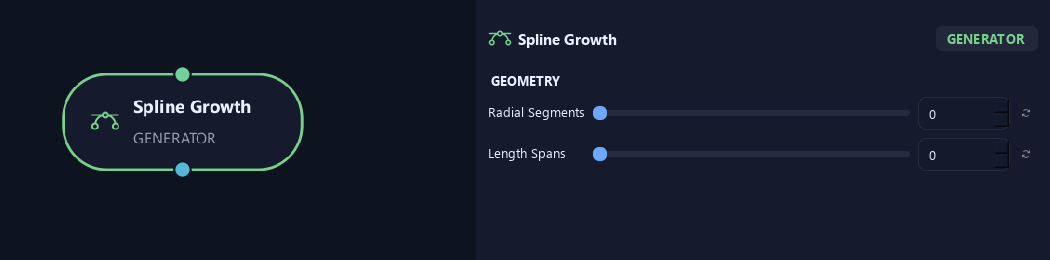
- Radial Segments
Sets sides around the branch tube. More sides look rounder. Where zero is available, it inherits Output.
- Length Spans
Sets spans along the guide. Zero keeps captured samples; higher values resample to that many evenly spaced spans.
Advanced
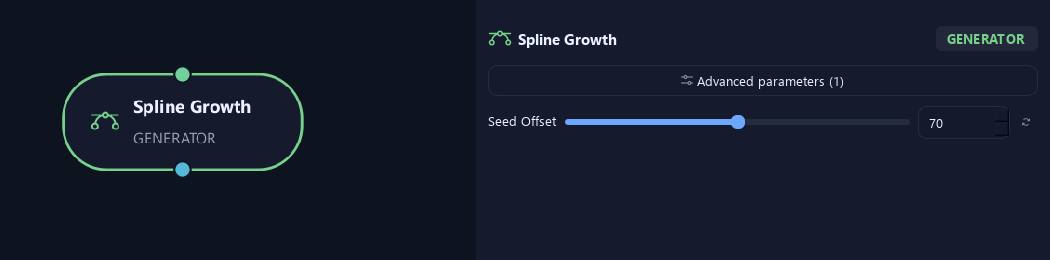
- Seed Offset
Changes this node's random variation. Keep the seed and settings unchanged to reproduce the same result.
What is ZenGrove used for?
Explore all 45 ZenGrove nodes for Maya with illustrated settings. Shape Cross Section profiles, create multi-way Splits, find properties and build procedural plants.
Which host application does ZenGrove support?
ZenGrove is built for Autodesk Maya and is distributed through AO Studio Tools.
Where can I download ZenGrove?
Download the current AO Studio Tools package from https://aostudio.tools/getthetools.html and install it through AO.Hub.