
ZenGrove
Grow a plant, one node at a time.
Grow a plant, one node at a time.
Explore all 45 ZenGrove nodes for Maya with illustrated settings. Shape Cross Section profiles, create multi-way Splits, find properties and build procedural plants.
Foliage Normals
Softens foliage shading using surface directions from a canopy-shaped proxy mesh. It helps individual leaf cards read as a fuller crown in High-quality builds.
Growth
Growth
Setup
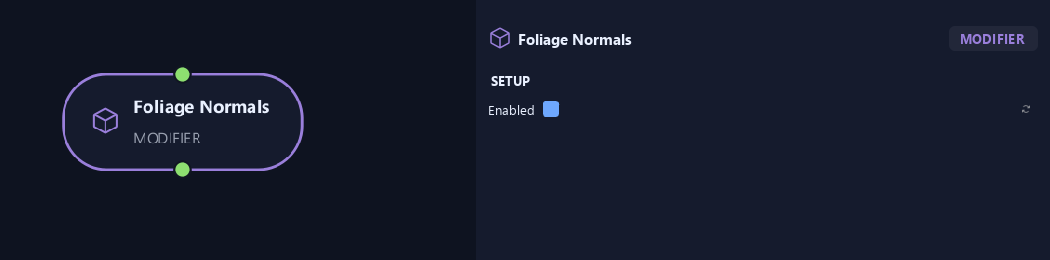
- Enabled
Turns the effect on or off while keeping its settings.
Input
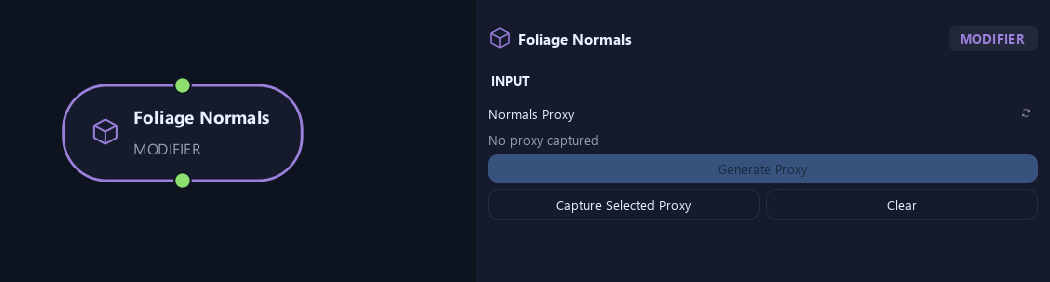
- Normals Proxy
Generate Proxy makes a canopy-shaped mesh; Capture Selected Proxy assigns your own; Clear removes it. It guides leaf normals in High builds.
Geometry
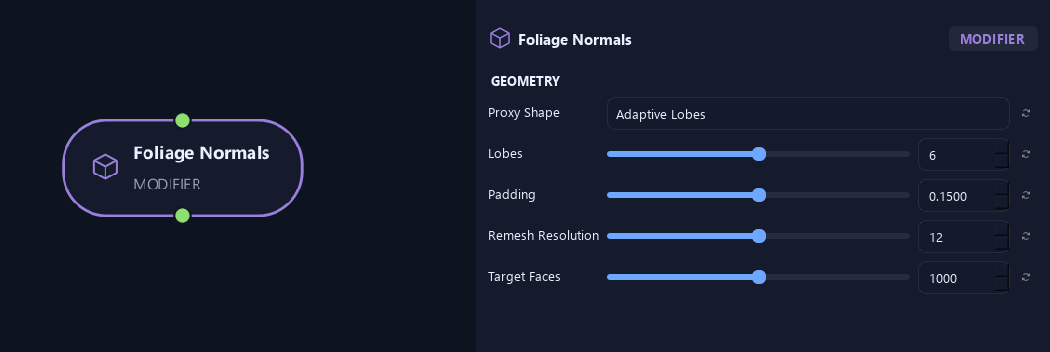
- Proxy Shape
Adaptive Lobes fits several overlapping canopy shapes. Single Ellipsoid uses one overall rounded shape.
- Lobes
Limits the number of fitted shapes for Adaptive Lobes.
Available when Proxy Shape is Adaptive Lobes.
- Padding
Expands proxy shapes beyond sampled leaf positions.
- Remesh Resolution
Controls edge density when remeshing the proxy. Higher values add detail.
- Target Faces
Sets the approximate face count for the editable proxy.
Preview & Safety
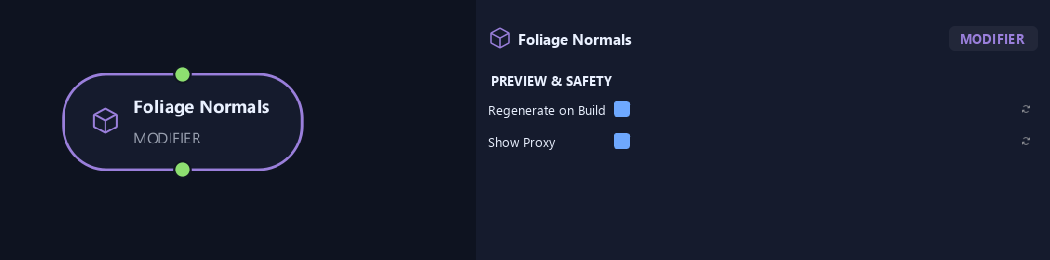
- Regenerate on Build
Rebuilds the proxy before Preview and High builds. Turn it off to keep manual edits.
- Show Proxy
Shows the proxy while authoring. Builds hide it; enable this again to edit it.
What is ZenGrove used for?
Explore all 45 ZenGrove nodes for Maya with illustrated settings. Shape Cross Section profiles, create multi-way Splits, find properties and build procedural plants.
Which host application does ZenGrove support?
ZenGrove is built for Autodesk Maya and is distributed through AO Studio Tools.
Where can I download ZenGrove?
Download the current AO Studio Tools package from https://aostudio.tools/getthetools.html and install it through AO.Hub.